vCard QR code for your business card
One scan saves your name, phone, email and address straight into the other person's contacts. The card itself is inside the code, so it doesn't rely on any online service.
- Never expires
- No sign-up, no email
- Nothing uploaded
- Unlimited scans
Enter some content to see your QR code.
Printing and size
Generated in your browser: nothing is uploaded, nothing expires.
Preview on the phone
Add to contacts
Indicative layout: each phone displays the card in its own way.
Customize
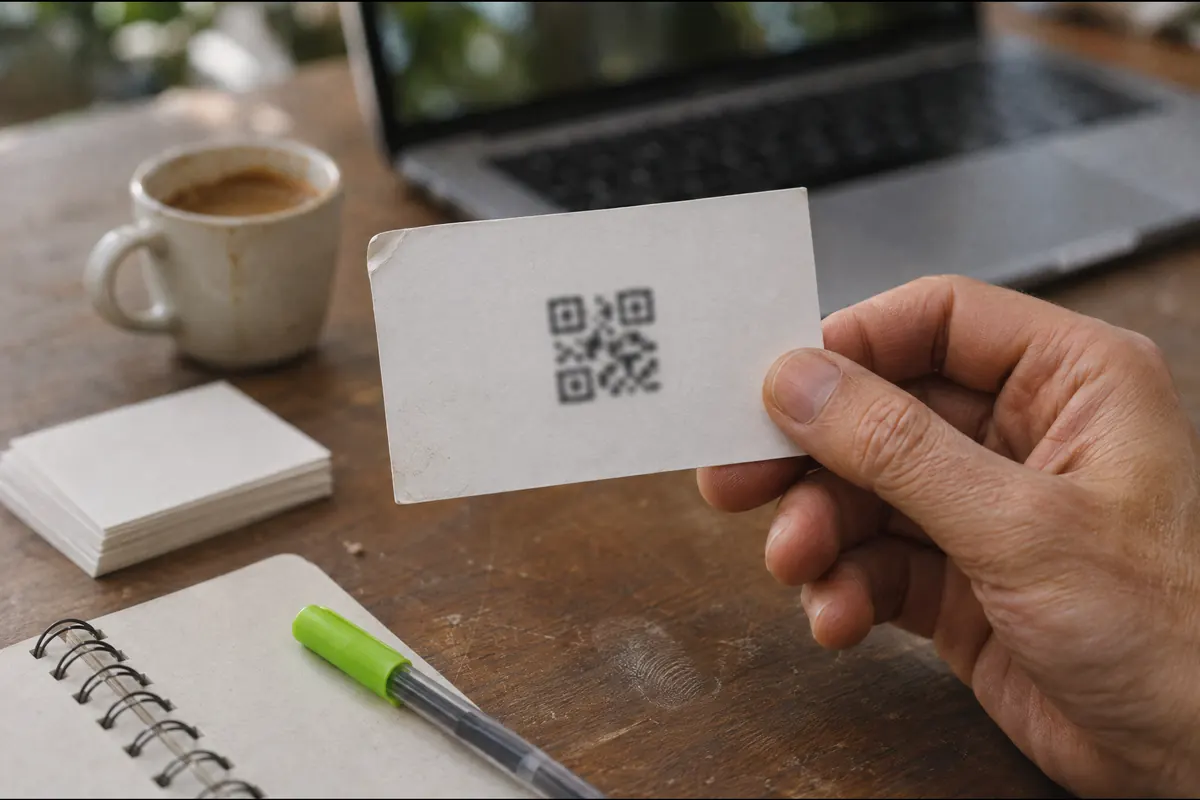
A vCard QR code replaces typing in a business card by hand. It suits freelancers, sales staff, trades and anyone who hands out cards, badges or printed signatures. The vCard 3.0 format is read by phone cameras, which offer “Add to contacts”.
How to use it
- Fill in only what's useful. Every extra field makes the code denser and harder to scan at small sizes.
- Write phone numbers in international format (+44, +1, +33…) so calls also work from abroad.
- Check the contact preview, then click “Test the scan”.
- Download SVG or EPS for your printer: the code stays sharp at any size.
Examples with the exact output
Full card
Claire Martin, architect at Martin Studio, with mobile, email, website and a London address:
BEGIN:VCARD
VERSION:3.0
N:Martin;Claire;;;
FN:Claire Martin
ORG:Martin Studio
TITLE:Architect
TEL;TYPE=CELL:+447700900123
EMAIL;TYPE=INTERNET:claire@martinstudio.co.uk
URL:https://martinstudio.co.uk
ADR;TYPE=WORK:;;12 Lime Street;London;;EC3M 7AA;United Kingdom
END:VCARD
281 bytes, version 12 (65 × 65 modules) at level M. On a standard 85 × 55 mm card, a 2.5 cm code gives modules of 0.38 mm — small. Print it at 3 cm or more, or trim the card.
Lean card
Same person, name, mobile and email only:
BEGIN:VCARD
VERSION:3.0
N:Martin;Claire;;;
FN:Claire Martin
TEL;TYPE=CELL:+447700900123
EMAIL;TYPE=INTERNET:claire@martinstudio.co.uk
END:VCARD
149 bytes, version 8 (49 × 49 modules). At 2.5 cm each module is 0.51 mm: much easier to scan.
How it's calculated
The tool writes a version 3.0 vCard (RFC 2426), one property per line, separated by CRLF line breaks:
N:last;first (the order the standard expects), thenFN:the display name;ORG:company andTITLE:job title;TEL;TYPE=CELL:mobile andTEL;TYPE=WORK,VOICE:landline, with spaces removed;EMAIL;TYPE=INTERNET:andURL:(https:// added if missing);ADR;TYPE=WORK:as;;street;city;;postcode;country.
Backslashes, commas, semicolons and line breaks in text are escaped (\\ \, \; \n), as the format requires. A company called “Martin, Sons & Co” is written ORG:Martin\, Sons & Co.
Where to put your vCard QR code
- Back of the business card, on white, with a 4-module margin.
- Trade show badge: at least 4 cm, as visitors scan from about 40 cm.
- Email signature or slides: a 500 px PNG is plenty for screens.
- Stand or shop window: scale it with the distance ÷ 10 rule.
Frequently asked questions
Does a vCard QR code work offline?
Yes. The contact card is inside the code, so the phone shows and saves it without a connection.
Why vCard 3.0 rather than 4.0?
Version 3.0 is the most widely recognised by phone cameras and scanner apps. Version 4.0 adds little for a business card and isn't always supported.
Can I include a photo in the vCard?
Not realistically: even a small photo exceeds what a scannable QR code can hold. Link to a profile page instead.
My code is too dense, what can I do?
Remove secondary fields (address, landline), print the code larger, or lower correction from M to L on a clean surface.
Can I change my details after printing?
No, a static code is fixed. If your details change often, use a link QR code to a page you keep up to date.
Does the site store my contact details?
No. Everything is computed in your browser; only your last entry is kept locally on your device, and “Reset” clears it.
Updated on 26 November 2026